How to Program Your Garage Door Remote: A Comprehensive Guide by Metro Garage Door Repair
Struggling to program your garage door remote? Our comprehensive guide will walk you through step-by-step instructions, tips, and common troubleshooting techniques to ensure smooth operation.

Unlocking the Features of Your Garage Door Remote
Your garage door remote is more than just a convenient tool; it’s a gateway to your home. Knowing how to program it is essential for both security and convenience. At Metro Garage Door Repair in Gardner, MA, we understand how frustrating it can be when your remote doesn’t work. In this guide, we will walk you through the process of programming your garage door remote effectively.
Why You Might Need to Program Your Garage Door Remote
There are several reasons why you might need to program your garage door remote:
- New Remote: You’ve purchased a replacement remote after losing the original.
- System Resets: You recently had your garage door opener serviced or reset.
- Malfunctioning Device: Your old remote stopped working as a result of battery issues or wear and tear.
Understanding these scenarios can help you prepare for programming your remote when the time comes.
Getting Started: Tools Needed
Before you begin the programming process, gather the following tools:
- Your garage door remote
- Your garage door opener
- Batteries (if needed for the remote)
- A step ladder (if your opener is mounted high)
Step-by-Step Instructions to Program Your Garage Door Remote
Programming your garage door remote is a straightforward process. Follow these steps to get started:
Step 1: Locate the Learn Button
The first step is to find the 'Learn' button on your garage door opener. This button is usually located on the back or side of the motor unit. It may be labeled 'Learn', 'Program', or something similar.
Step 2: Prepare the Remote
Ensure your remote has fresh batteries installed. A weak battery can affect the programming process.
Step 3: Press the Learn Button
- Press and release the 'Learn' button. You should see an LED light activate.
- Within 30 seconds, press and hold the button on your remote that you wish to program.
- Release the button when you see the LED light blink or hear two clicks from the garage door opener, indicating successful programming.
Step 4: Test the Remote
Stand a few feet away from the garage door and press the button you just programmed. The door should open or close. If it doesn’t, repeat the steps again.
Common Troubleshooting Tips
If your remote is still not working after programming, consider these troubleshooting tips:
- Check the Batteries: Ensure that the batteries in your remote are new and installed correctly.
- Range Issues: Stand closer to the garage door opener while programming.
- Interference: Other electronic devices or radio frequency interference could be affecting the signal.
Safety Precautions
When working with garage door mechanisms, safety should always be a priority. Here are some essential tips:
- Never place any part of your body under a moving garage door.
- Ensure children and pets are at a safe distance while operating the garage door.
- If working with electrical components, ensure the power is off before beginning.
Additional Features to Explore
Many modern garage door openers come with added features that enhance security and convenience:
- Rolling Codes: This feature generates a new access code every time you use the remote, increasing security.
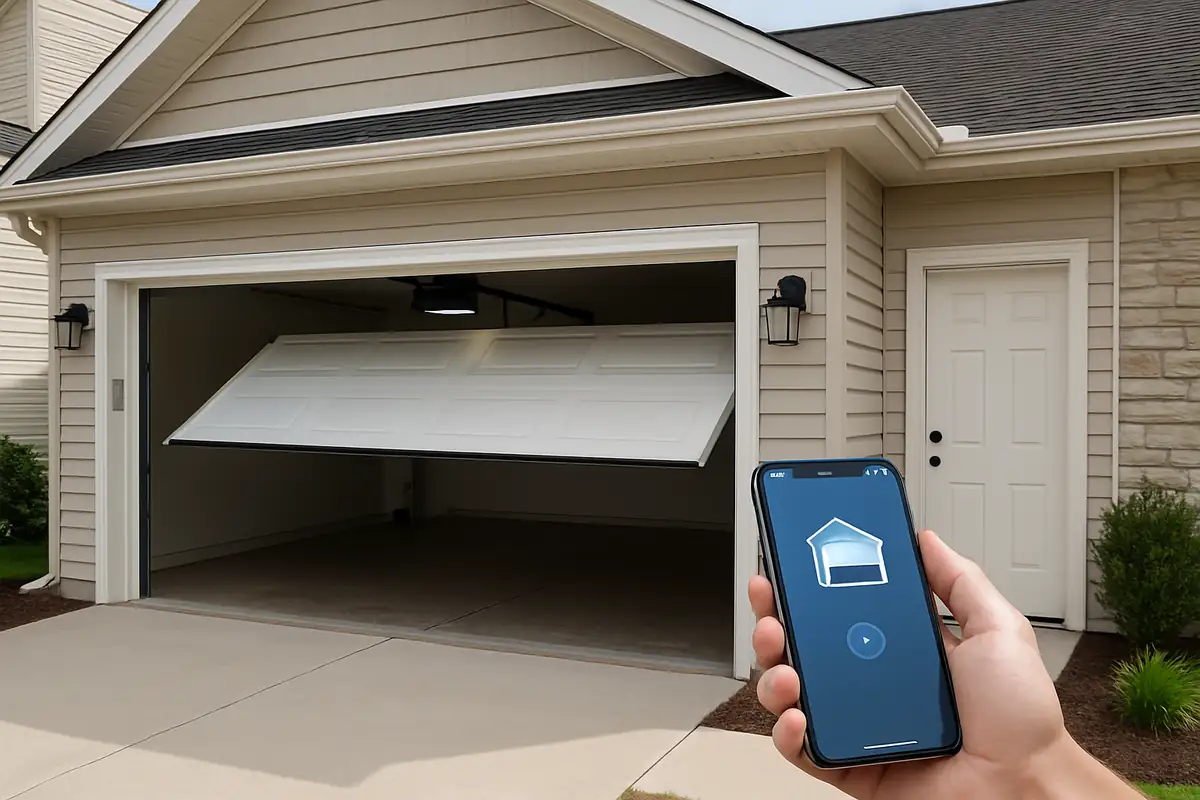
- Smartphone Integration: Some models can be controlled via smartphone apps, allowing you to monitor and manage access remotely.
- Keypads: Installing an exterior keypad can provide another layer of convenience for family members or trusted visitors.
Statistics and Facts About Garage Doors
Did you know that approximately 70% of homeowners use their garage as the primary entrance to their homes? In Gardner, MA, this statistic is relevant as many homes feature attached garages. Understanding how to maintain and operate your garage door system effectively is essential for the security and functionality of your home.
Conclusion: Get Professional Help When Needed
Programming your garage door remote is a task that many homeowners can handle independently. However, if you encounter persistent issues, don’t hesitate to reach out for professional help. The team at Metro Garage Door Repair in Gardner, MA, is here to assist you with all your garage door needs. From programming remotes to comprehensive repair services, we’ve got you covered.
Ready to take control of your garage door experience? Contact Metro Garage Door Repair today for immediate assistance and expert advice!
Explore More Resources
Related Articles
Service Areas
We proudly serve Gardner, Peabody, Olde English Village, South Gardner, East Gardner and more areas.
Our Services
Professional garage door repair, spring repair, opener installation and more. View all services →