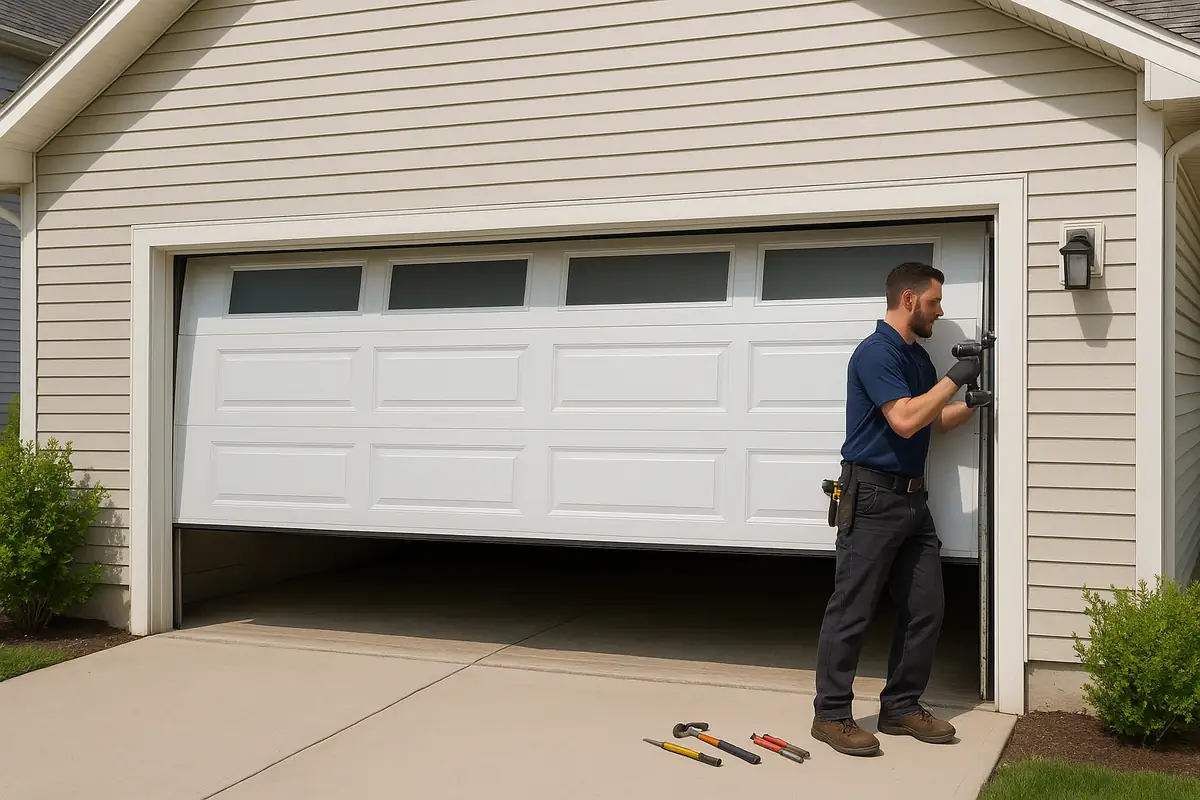
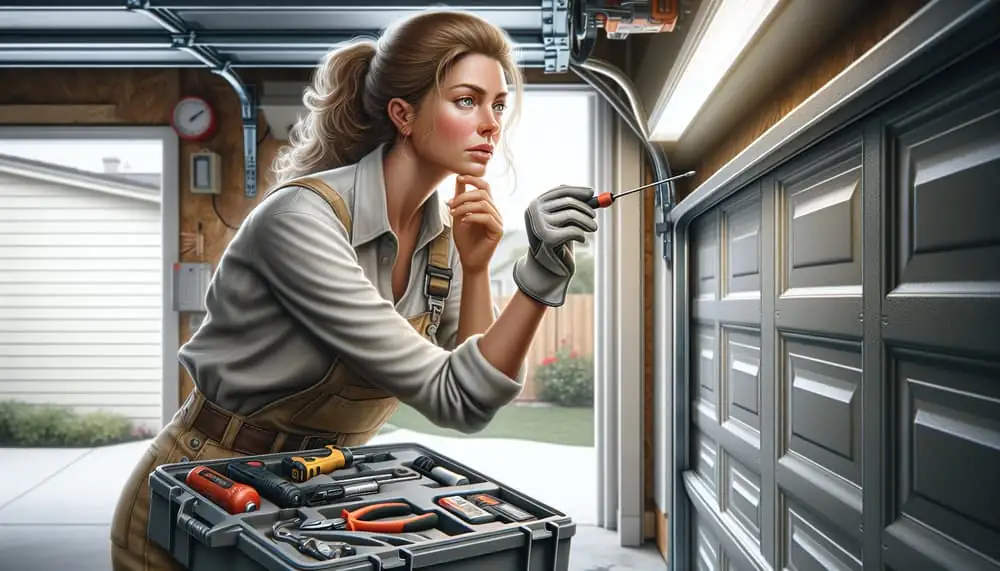
How to Program Your Garage Door Remote: A Comprehensive Guide for Gardner, MA Residents
Programming your garage door remote can seem daunting, but it doesn't have to be! This guide will walk you through each step to ensure smooth operation of your garage door.
Understanding Your Garage Door Remote
The garage door remote is an essential piece of equipment that provides convenience and security for homeowners in Gardner, MA. But what happens when it stops working or you need to program a new one? This guide will help you get back on track!
Why You Might Need to Program Your Garage Door Remote
There are several reasons you may need to program your garage door remote:
- You’ve purchased a new remote.
- Your old remote is malfunctioning.
- You want to add a new remote for additional users.
- You have changed the battery in your existing remote.
- There has been an issue with interference or security.
Gathering the Necessary Tools
Before you start, make sure you have everything you need:
- Your garage door remote.
- The garage door opener (located in your garage).
- A step ladder (if required).
- Owner’s manual for your garage door opener (if available).
Step-by-Step Guide to Programming Your Garage Door Remote
Step 1: Locate the Learn Button
Most garage door openers have a 'Learn' button. This small button can usually be found on the back or side of the opener motor. For many models, you may need to remove a light cover to access it.
Step 2: Press the Learn Button
Once located, press and release the Learn button. The indicator light on the opener may start blinking, which means it is ready to learn a new remote signal.
Step 3: Program Your Garage Door Remote
Within 30 seconds of pressing the Learn button, press and hold the button on your remote that you wish to program. Hold it until you see the light on the garage door opener blink or hear a click sound.
Step 4: Test the Remote
After programming, press the button on the remote to test if the garage door opens and closes as expected. If it works, you’re all set!
Step 5: Repeat if Necessary
If the remote didn’t work, repeat the steps, ensuring you’re pressing the correct button and within the time limits. If issues persist, consult the owner's manual or contact Metro Garage Door Repair for assistance.
Troubleshooting Common Issues
Remote Not Working
If your remote doesn’t work after programming, consider the following:
- Check the battery of the remote.
- Ensure you’re within range of the opener.
- Verify you pressed the Learn button correctly.
- Look for any interference from nearby devices.
Intermittent Functionality
If the remote works sporadically, it could be due to:
- Weak battery.
- Signal interference from other nearby frequencies.
- Old wiring or components in the garage door opener.
Statistics on Garage Door Safety and Remote Programming
According to the International Door Association, more than 70% of homes in the United States have a garage door opener. Properly programming your remote not only ensures convenience but also enhances your home’s security. A well-functioning garage door helps prevent unauthorized access, which is crucial in neighborhoods like Gardner, MA.
Best Practices for Garage Door Remote Maintenance
To keep your garage door remote in top shape:
- Regularly check and replace batteries.
- Keep the remote clean and free from debris.
- Avoid exposing it to extreme temperatures or moisture.
- Test the remote periodically to ensure functionality.
Conclusion: Get Help When You Need It
Programming your garage door remote doesn’t have to be intimidating. With the right steps and a little patience, you can have your remote working in no time. However, if complications arise, don’t hesitate to reach out to the experts at Metro Garage Door Repair in Gardner, MA. Our team is always ready to assist you with your garage door needs!
Explore More Resources
Related Articles
Service Areas
We proudly serve Gardner, Peabody, Olde English Village, South Gardner, East Gardner and more areas.
Our Services
Professional garage door repair, spring repair, opener installation and more. View all services →